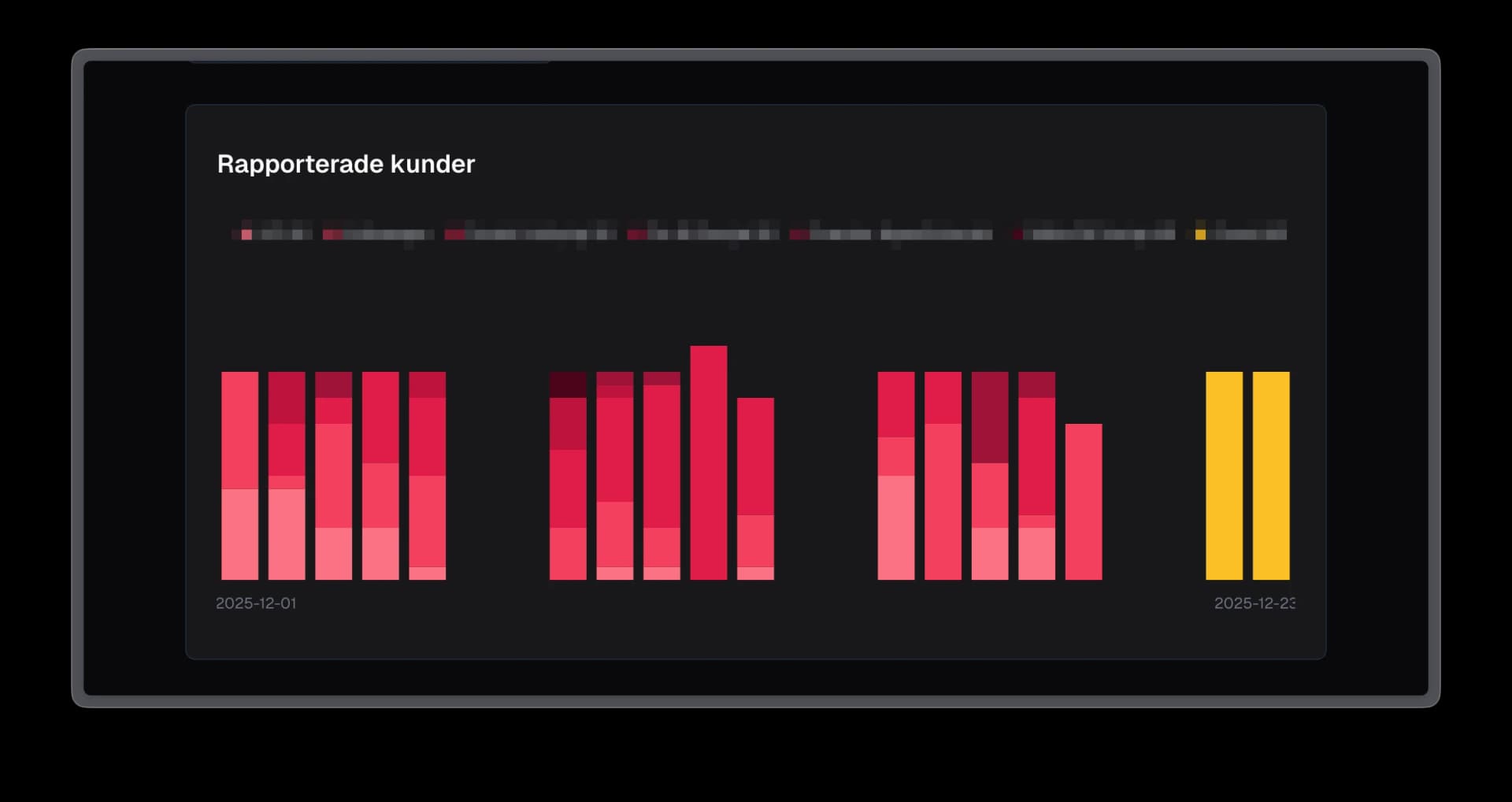
Tidigare - time tracking visualized
Many time reporting systems excel at personal time tracking and individual project follow-up, but struggle with broader analytics. At my work it was no different - we have a great tool to report time and follow up on project specifics, but no way to view individual contributions across multiple projects. Questions like "How is time distributed across clients?" or "What is the team working on this month?" required manual exports and spreadsheet work.
The opportunity: Build an analytics layer on top of the system's REST API that enables cross-project tracking, team-level insights, and flexible date range comparisons.
Solution
I built a quick MVP single-page app in Next.js that fetches data from the time reporting system's REST API and visualizes what we needed to see. I used a component library to save time on UI.
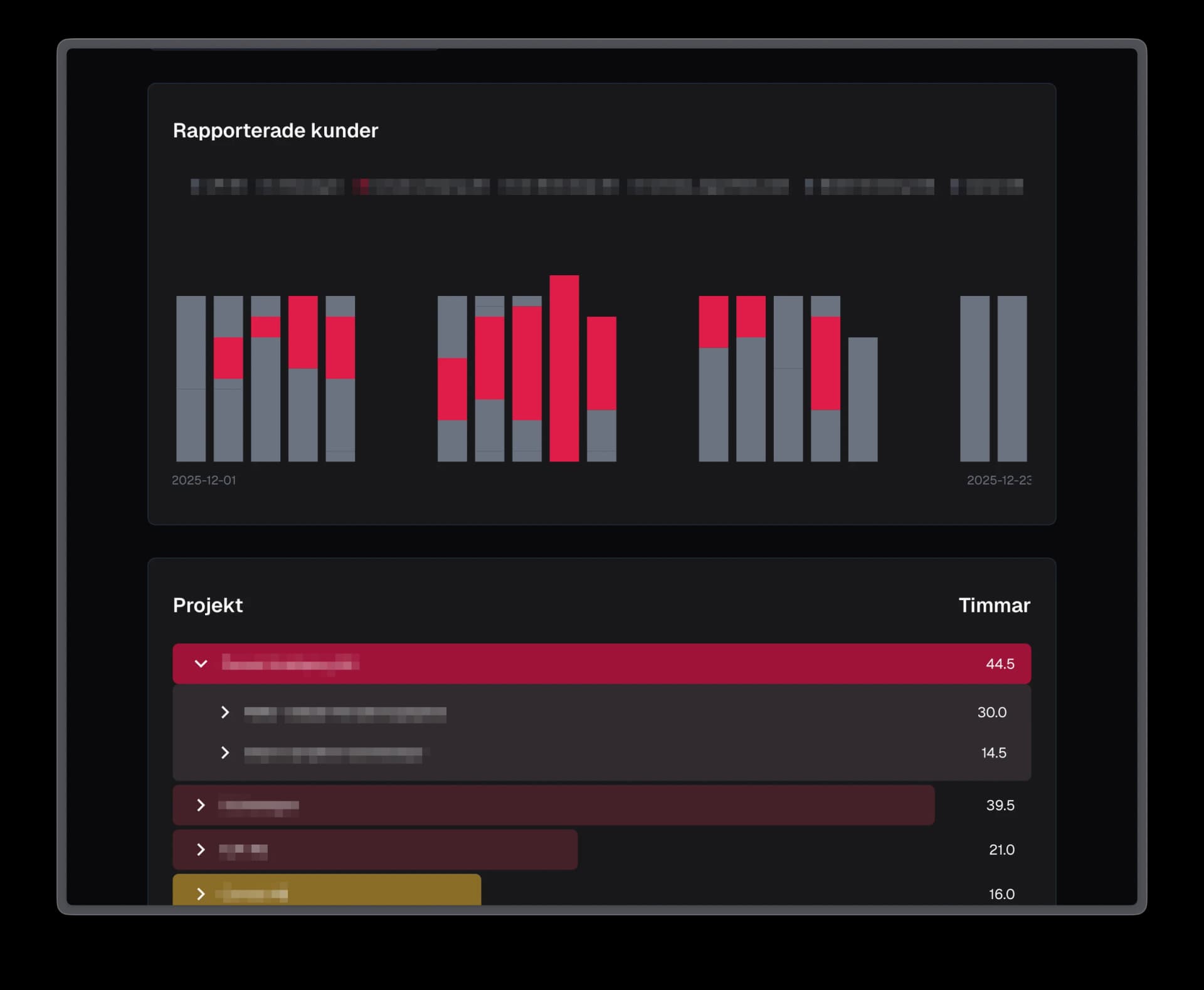
- Dual view modes: employee-focused views showing project distribution over time, and project-focused views breaking down contributions by team member
- Synchronized interactions: clicking chart segments filters the data table, and selecting table rows highlights corresponding chart elements
- Shareable URLs: URL-based state management so filtered views can be bookmarked and shared with stakeholders
- Flexible date ranges: presets (last 7 days, this month, last month) alongside custom range selection